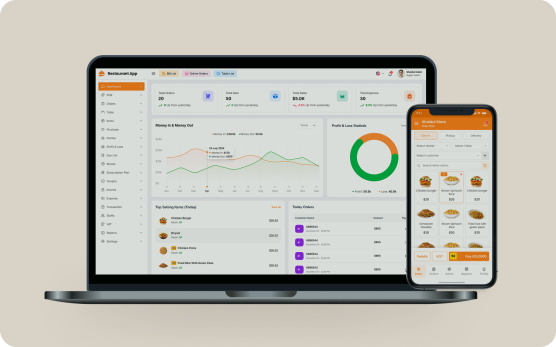
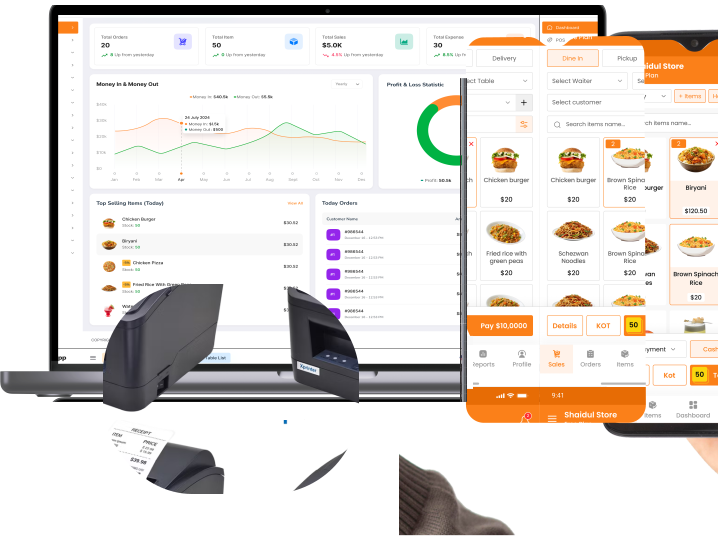
Our Amazing Features

image
Quick Sales
image
Parties
image
Sales List
image
Estimate List
image
Purchase List
image
Due List
image
Item List
image
Table
image
Loss/Profit
image
Stocks
image
Income
image
Expense
image
VAT/Tax
image
100+ Languages
image
Multi Currency
image
More Features..

Beautiful Interface Of Our Foodpay POS App

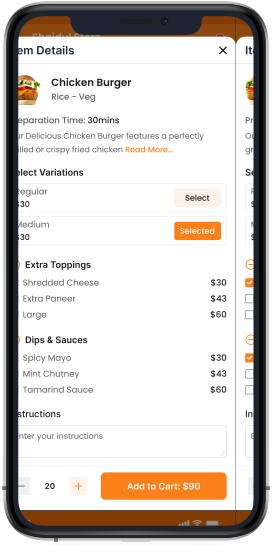
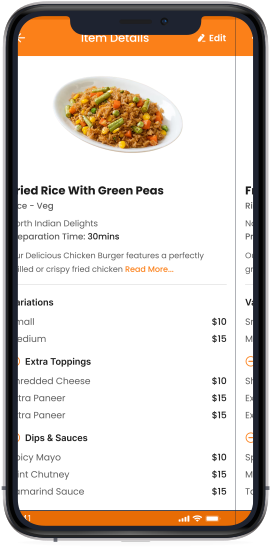
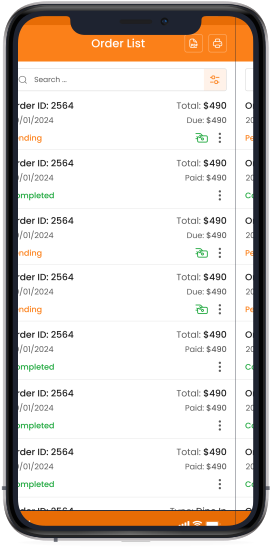
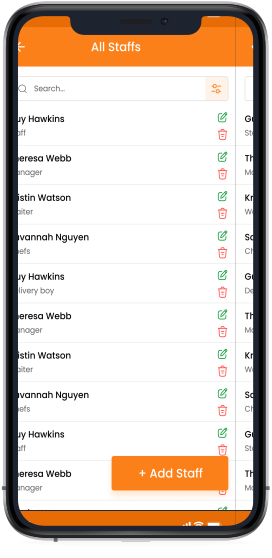
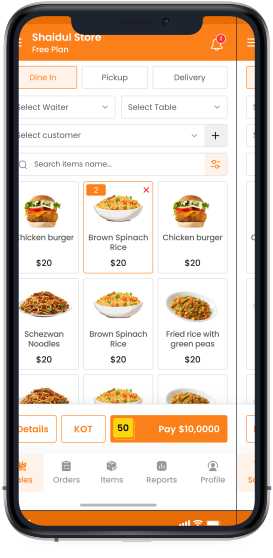
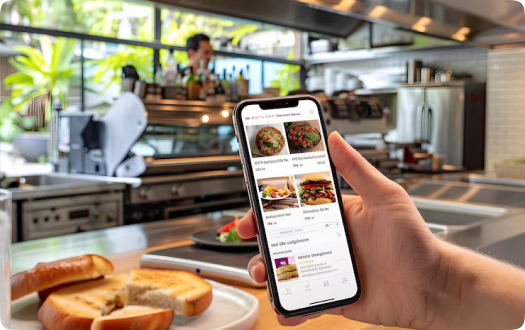
The app supports fast billing, multiple payment methods, table management, and real-time sales reports, making daily operations smoother and faster. With a user-friendly interface and flexible setup, FoodpayPOS adapts to different restaurant models including dine-in, takeaway, delivery, buffet, and food trucks
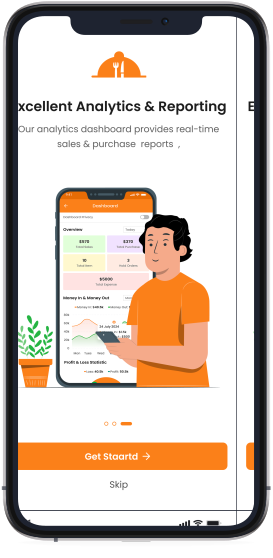
phone
phone
phone
phone
phone
phone

Get The Foodpay Restaurant Mobile App

This platform you can access your account anywhere, anytime for manage your business with Foodpay POS app


How to Use The Foodpay POS app designed for Restaurants In this video, we’ll show you how to take orders, manage tables, print kitchen orders

and complete final billing using the FoodpayPOS mobile app

Watch Video

Our Pricing Plans

Select your plan today and experience hassle-free restaurant management with Foodpay POS.

Frequently asked questions

Everything you need to know about the product and billing.

Still have questions?

Can’t find the answer you’re looking for? Please chat to our friendly team.

Get in Touch
What is included in my subscription plan?
Users can download the Foodpay POS Mobile App from the Play Store or App Store and will also receive access to the Cloud Admin Panel. Restaurants Owners can be managed using either the mobile app or the cloud panel from anywhere any Time, with real-time data synchronization between both. Features and modules will be activated based on the subscribed plan.
Can I upgrade or change my subscription plan?
Here is a **clear, polished version under 500 characters**: Users cannot upgrade, downgrade, or modify an active subscription during its validity. To change a plan, users must purchase a new subscription, and the existing plan will be removed. **Important:** Users must contact Foodpay POS support before buying a new plan to avoid service issues. Subscription status and validity can be checked anytime via the Foodpay POS Mobile App or Web Admin Panel.
Is my data secure?
Yes, Foodpay POS uses security measures to protect your data. However, no system can guarantee 100% security.
Is internet required to use Foodpay POS?
An internet connection is recommended for full functionality. Some features may work offline with limited access.
Can I manage tables using the app?
Yes, Foodpay POS includes an easy-to-use table management system to track available and occupied tables in real time.
Can I print Kitchen Order Tickets (KOT)?
Yes, the app allows instant KOT printing or sending orders directly to the kitchen using Bluetooth Printer for faster and accurate food preparation.

What Our Customer Say

Our Latest Blog Posts

View All
product-image

24 Jun, 2025

How to Streamline Billing in Your Restaurant

For restaurant owners, efficient billing is paramount to success. This topic explores practical strategies to optimize t...

Read More >

product-image

24 Jun, 2025

How We Craft the Perfect Burger (Behind the Scenes)

Promises an exclusive look into the meticulous process of creating an exceptional burger. It suggests that readers will...

Read More >

...

24 Jun, 2025

How to Streamline Billing in Your Restaurant

Read More >
...

24 Jun, 2025

How We Craft the Perfect Burger (Behind the Scenes)

Read More >
...

24 Jun, 2025

Top 5 Most Loved Items on Our Menu

Read More >